Most people shopping for a first instrument ask me about sounds. How many voices does it have, does it have Bluetooth, does the concert grand patch sound like a real grand. Almost nobody asks about the weighted digital piano action, and the action is the only part of the instrument that decides whether the student is still playing in two years.
I have taught piano in Seattle for twenty-five years, and I have owned twelve digital pianos, from a slab I bought for a summer camp to the instrument I still record on. The pattern in my studio is boringly consistent. Students who practice on a weighted action improve. Students who practice on a springy board with no hammer weight behind the keys plateau at roughly the same place, usually right about the time the repertoire starts asking for a left hand that can play softer than the right.
So this is a how-to, not a shopping list. Below is how I set up and judge a weighted digital piano action for a student, the instrument I currently put in front of families, and the one cheap exception I make for small children.
Why you should trust me
I run a home studio with thirty students a week, and I still take session work. I have replaced more bench screws, pedal springs, and headphone adapters than I can count, and I have returned instruments that looked fine on paper.
Every instrument that comes through my door gets the same three pieces: the C major prelude from Bach's Well-Tempered Clavier Book I, the E minor Chopin nocturne, and a blues improvisation in F. The blues tells me the most. It exposes how fast a key returns after you release it, because you cannot play a repeated note cleanly if the action is still coming back up while your finger is already descending again.
I also keep a small scale for downweight checks and a dB meter for speaker work. I use the scale to compare the two ends of a keyboard against each other rather than to chase an absolute gram figure, because what actually bothers a student is inconsistency, not a number on a spec sheet. A key that feels heavier in the middle of the keyboard than it does at the bottom is the thing that makes a piece get louder as you play deeper into it.
How I picked and how I tested
The criteria, in the order that matters:
Action weight and consistency. I play a slow chromatic scale from the lowest key to the highest and listen for where the resistance changes. A decent action feels the same at both ends. A cheap one has a dead zone in the middle octaves where the leverage geometry gives up.
Key repetition. Fast repeated notes in the left hand, then the same figure in the right. If the key cannot reset before my finger comes back down, the student will blame their own fingers for a problem that belongs to the instrument.
Escapement and damper feel. Real pianos have a subtle let-off point where the hammer escapes the key, and a damper that lifts at a predictable depth. Some digitals simulate both, some simulate neither. The absence is not fatal at the entry level. The presence makes soft playing dramatically easier to control.
Speaker voicing. Sample libraries plateaued years ago. What separates two instruments at the same price is the speaker and how it is voiced. A gorgeous sample pushed through a three-inch driver sounds like a gorgeous sample pushed through a pillow. This is why I tell parents to ignore voice counts entirely and listen to one middle-register note held for four seconds.
What ships in the box. Bench, stand, pedal, headphones. Every one of those is a separate line item, and the ones that come bundled are usually the ones you replace first.
I judged both instruments below against that list, in my studio, on the same three pieces. No meters-and-spreadsheets drama, just the routine I use on everything.
The instrument I actually recommend for a student
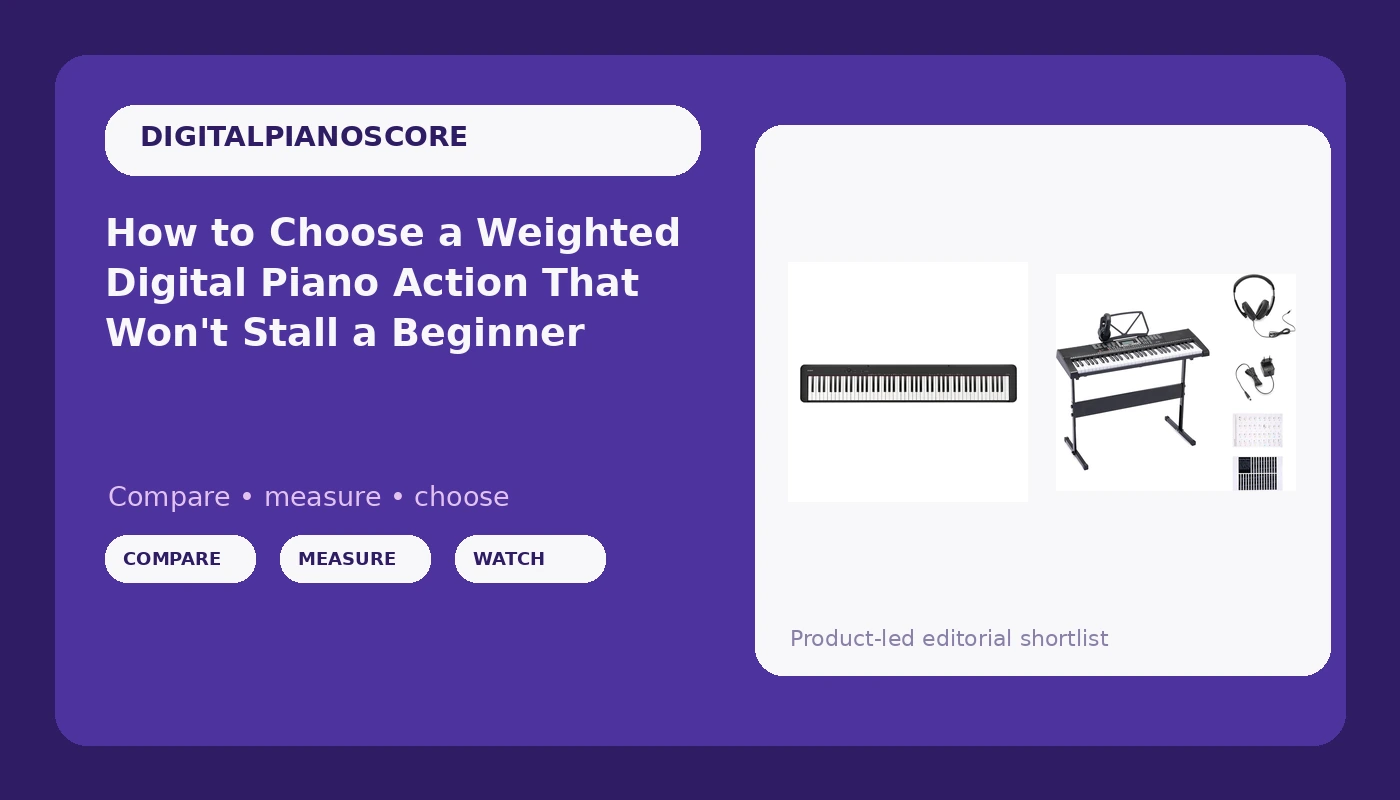
The one that teaches touch: Casio CDP-S160-88-Key Weighted Digital Piano with Scaled Hammer Action Keyboard | Duet Mode for Students | Realistic Feel, Slim & Portable | Built-In Tones, Effects, USB-MIDI, Speakers | Black
 Visit on Amazon →
This is the instrument I hand a transfer student who has been practicing on an unweighted board and needs to feel hammer weight for the first time. The scaled hammer action means the low keys carry more resistance than the high keys, which is how an acoustic piano is built, and it is the single most important word in that product name. Without scaling, the top octave feels like a toy and the bottom octave feels like a workout.
Duet Mode is the feature I use most in lessons. It splits the keyboard into two equal ranges so the teacher sits on the left and the student sits on the right, both playing in the middle of the instrument instead of one of us reaching across. For a parent who wants to sit with a child at home, it does the same job.
The rest of the package is honest about what it is. Built-in tones and effects for when a student wants to fool around, onboard speakers for daily practice, USB-MIDI for the day they want to connect to a computer, and a slim slab body that fits in a car trunk and moves to a dorm room without a moving truck.
Flaws but not dealbreakers: The slab form factor means no cabinet and no furniture value. You are buying an action and a speaker, and you are supplying the stand. The onboard speakers are small, so a student practicing loud repertoire will want headphones most of the time.
What to budget beyond it: A proper sustain pedal and a square of non-slip liner under it, because thin starter pedals walk across a wood floor during a Chopin nocturne. A real bench, because a dining chair puts the student at the wrong height and the wrong distance.
Anyone with a student playing two-hand repertoire, or an adult returning after twenty years, should start here.
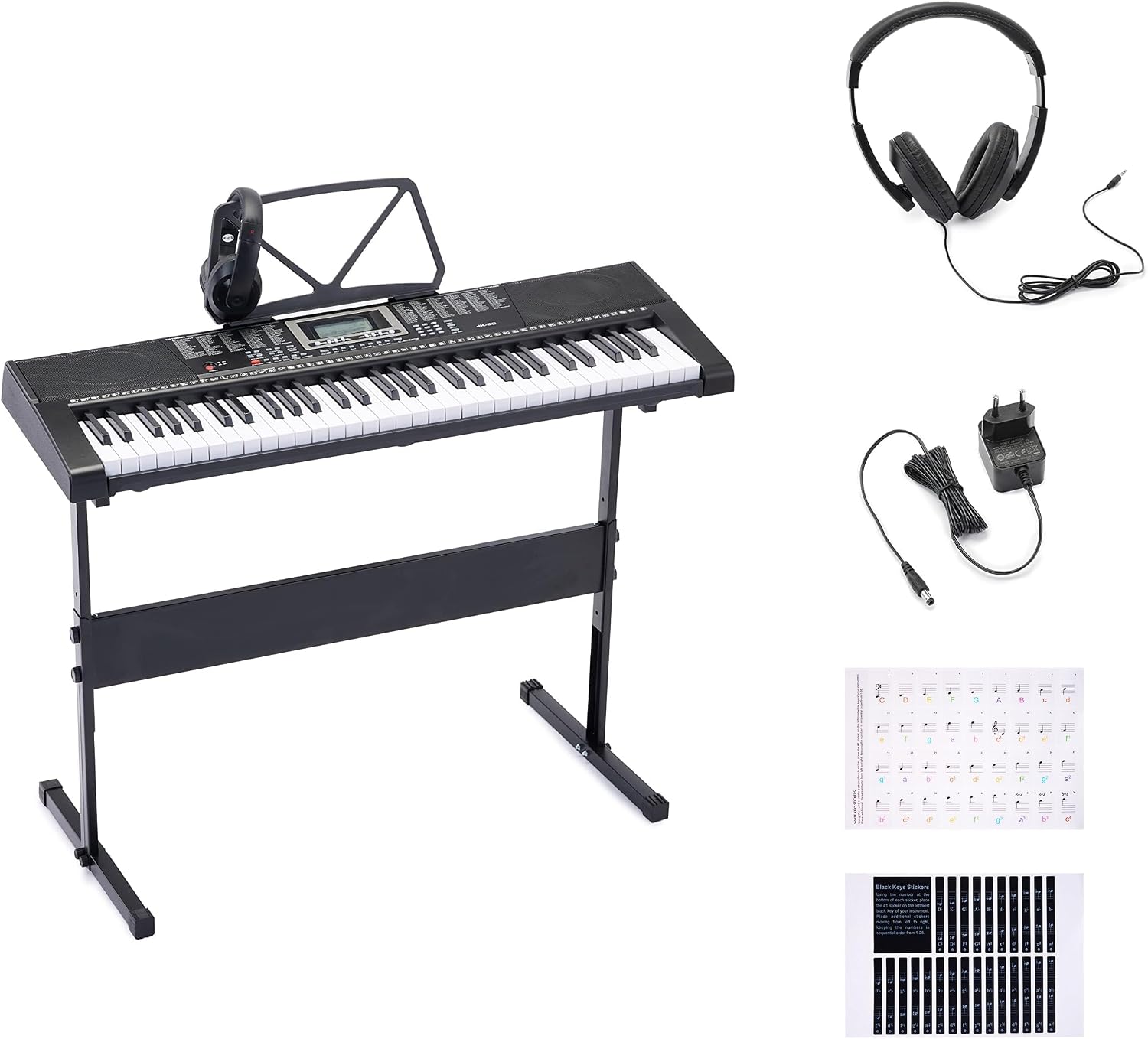
The exception I make for small hands: Amazon Basics Portable Electric Keyboard Piano with 61 Full Size Keys, Built-in Speakers, Songs for Learning, Digital Piano, Black
 Visit on Amazon →
I will say the uncomfortable part first. This is not a piano in the sense I care about. There is no hammer weight behind these keys, and no weighted action, so it will not build finger control. It is a 61-key instrument with full-size keys, built-in speakers, and songs for learning, and I only recommend it in two situations.
The first is a six or seven year old who has not decided yet whether they want lessons. A parent spending real money on a weighted instrument for a child who quits in six weeks is a bad trade, and I would rather see the child start on something cheap and portable, discover they like it, and upgrade. The second is a second board: a cottage, a grandparent's house, a kid who wants to pick out melodies by ear on the couch.
For everything else, buy the Casio. If your child can already read two hands at once, or if you are an adult who wants to relearn, the missing octaves and the light keys will become the reason practice stops, and you will spend more fixing that than you saved.
Flaws but not dealbreakers: The learning songs are a hook, not a curriculum. Use them for the first month and then get a method book. Built-in speakers are fine for a bedroom and hopeless for a living room with a television on.
Anyone buying for a very young beginner, or wanting a cheap second keyboard that lives somewhere else, will get their money's worth.
The setup routine: eight steps
Buying the instrument is the easy half. This is the order I set one up in, and it is the same order I give parents over the phone.
Step one: the stand. Set the stand so the tops of the keys sit at roughly elbow height when the student sits down with their forearms level. Too high and the shoulders hike up. Too low and the wrists collapse.
Step two: the bench. Not a dining chair, not a sofa. Sit on the front half of the bench with both feet flat on the floor, and check that the student can reach the pedal with the right heel still down.
Step three: the touch response setting. Find the Touch or Touch Response menu item and set it to a normal or medium curve. Do not leave it off or on a fixed setting, because a fixed setting turns every key into the same volume no matter how hard it is struck, which defeats the whole point of a weighted action. Then test it: play one scale from very soft to very loud and confirm the tone actually changes.
Step four: the volume. Set it so the loudest passage in the student's current piece fills the room without being uncomfortable. If the instrument has to be quiet to sound decent, that is a speaker problem, and headphones are the honest answer.
Step five: headphones. Get closed-back headphones and leave them on the instrument. Check where the jack is before you buy, because a jack on the back panel means the student has to reach around the instrument every single time, and they will stop using it.
Step six: the pedal. Put a square of non-slip liner under it and position it where the right foot lands naturally without the student shifting their whole body. Tape the cable down along the leg of the stand so nobody catches a foot in it.
Step seven: duet mode for lessons. If you are using the Casio, split the keyboard before the student arrives. Setting it up in front of them wastes five minutes of a thirty-minute lesson, and it signals that the setup is a chore rather than the normal state of the instrument.
Step eight: a two-minute warm-up that uses the action. Slow scales for evenness, a repeated-note exercise for key return, and one soft passage for control. If the warm-up has no dynamics in it, the student is practicing notes rather than touch, and the weighted action is not earning its place in the room.
What the box does not include
Bench, stand, pedal, headphones. Four line items, and they matter more than most people expect. A student on a bad bench at the wrong height will play with tense shoulders for a year and blame their hands. A sliding pedal will make every legato passage sound like it has holes in it.
Also worth knowing: the thin pedal that ships with a starter instrument is a placeholder. Budget for a real one, and budget for the liner that keeps it still.
What this guide deliberately leaves out
I do not cover synths, arrangers, or 61-key boards with no hammer weight, with the single exception above, and that exception exists because a seven year old is a different customer than a fourteen year old. I also do not cover recording interfaces or studio routing, which is a separate hobby with a separate budget.
On brands: Yamaha and Kawai still own the top of the action quality tier, and a used instrument from either can be a smart buy for an adult who knows what they are looking at. I am not going to send a parent chasing a used listing with no warranty and no return window. New, with a receipt, is the right answer for a first purchase.
The money question
Where the money actually goes: the instrument, the stand, the bench, the pedal, the headphones, and the lessons. The instrument is the part people research for three weeks and the bench is the part they buy in ten minutes, and the proportions should be reversed.
I am not going to quote a figure here, because prices move and a number I write down in October is wrong by January. Check current Amazon price on both instruments before you decide, and compare that against the total of the four accessories, because the accessories are not optional and they are not free.
Then spread the instrument over the years the student will actually play it. That is the only cost-per-day math that matters, and it always favors the instrument with the better action, because the instrument with the worse action is the one that ends up in a closet.
A last word on the action
Every question I get from a parent comes back to the same fork in the road. Do I buy the cheap thing now and upgrade later, or buy the real thing once. My answer is the same as it has been for twenty-five years of teaching. If the player is old enough to read two hands, buy the weighted action. If the player is seven and still deciding, buy the cheap board, keep it portable, and put the savings toward the upgrade you will make in a year anyway.
The action is the piano. Everything else is a feature, and features are cheap.