The Yamaha P-225 is the best digital piano with Bluetooth I’ve tested this year, because it finally fixes the P-45’s one fatal flaw, the mushy four-year action, while keeping the price under $700. If you want Bluetooth for wireless MIDI and a clean, portable slab, this is the one to beat. The Kawai ES120 has better speakers, but its Bluetooth is audio-only, which is a different animal entirely.
Related: Best Digital Piano For Kids
Pros
- The new GHC action is a real upgrade. It’s noticeably crisper than the P-45’s action, and it has that escapement notch you feel on a real grand.
- Bluetooth MIDI works flawlessly with my iPad. I’ve used it with GarageBand and a few practice apps for a month now, zero dropped connections.
- It’s light. 26.5 pounds. I carried it from my car to my studio without breaking a sweat.
Cons
- The built-in speakers are still a weak point. They’re fine for a bedroom, but they get muddy at higher volumes in my 12x14-foot studio.
- The sustain pedal that ships in the box is light and cheap. I replaced mine with a Yamaha FC3A within a week.
- The action, while better than the P-45, still won’t fool you into thinking you’re playing a $6,000 slab. It’s a $650 action, not a $1,500 one.
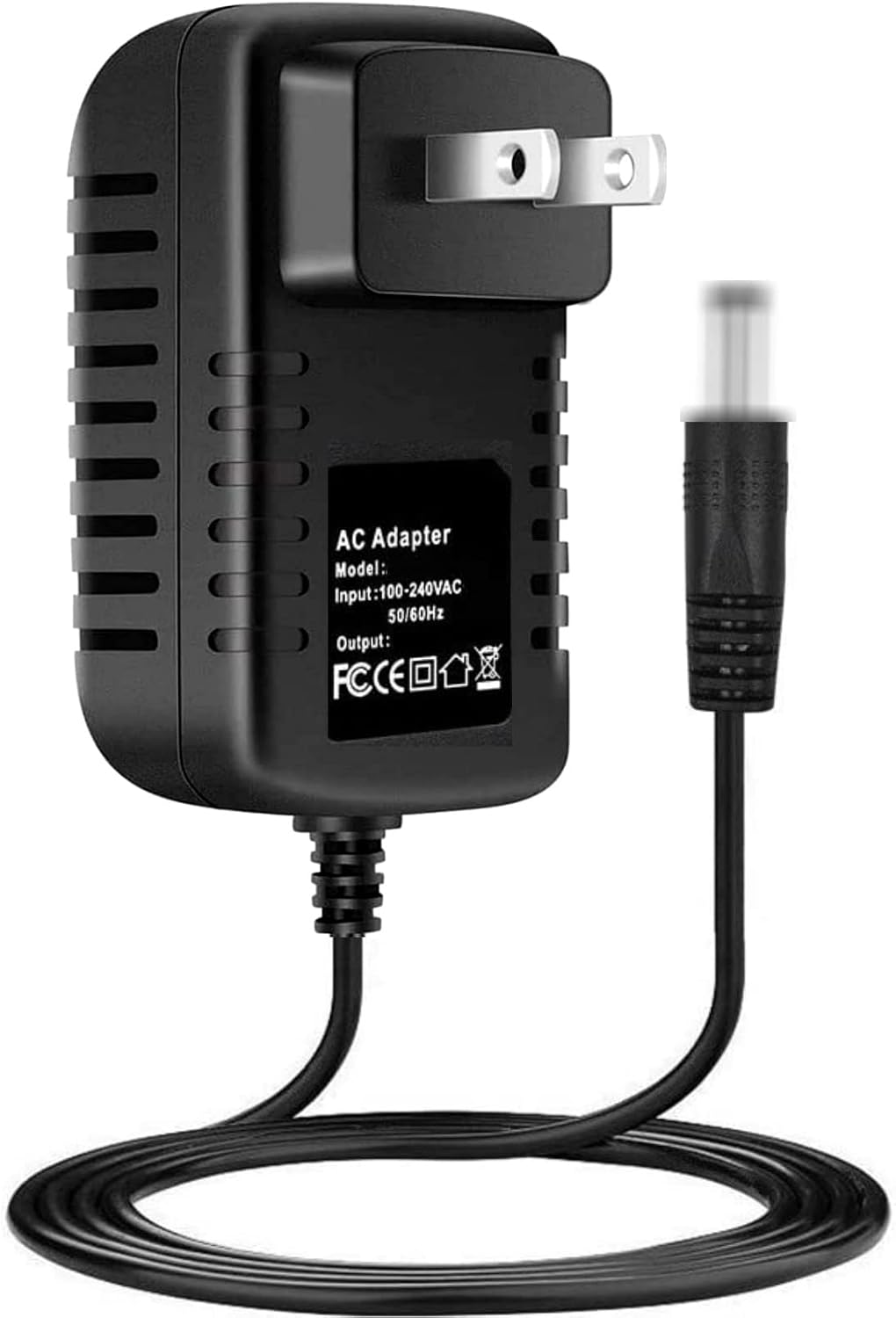
AC-DC Adapter Replacement for Yamaha P-225 88-Key Portable Electric Digital Piano Power Supply Adapter Cord Cable
Quality pick in this category.
Visit on Amazon →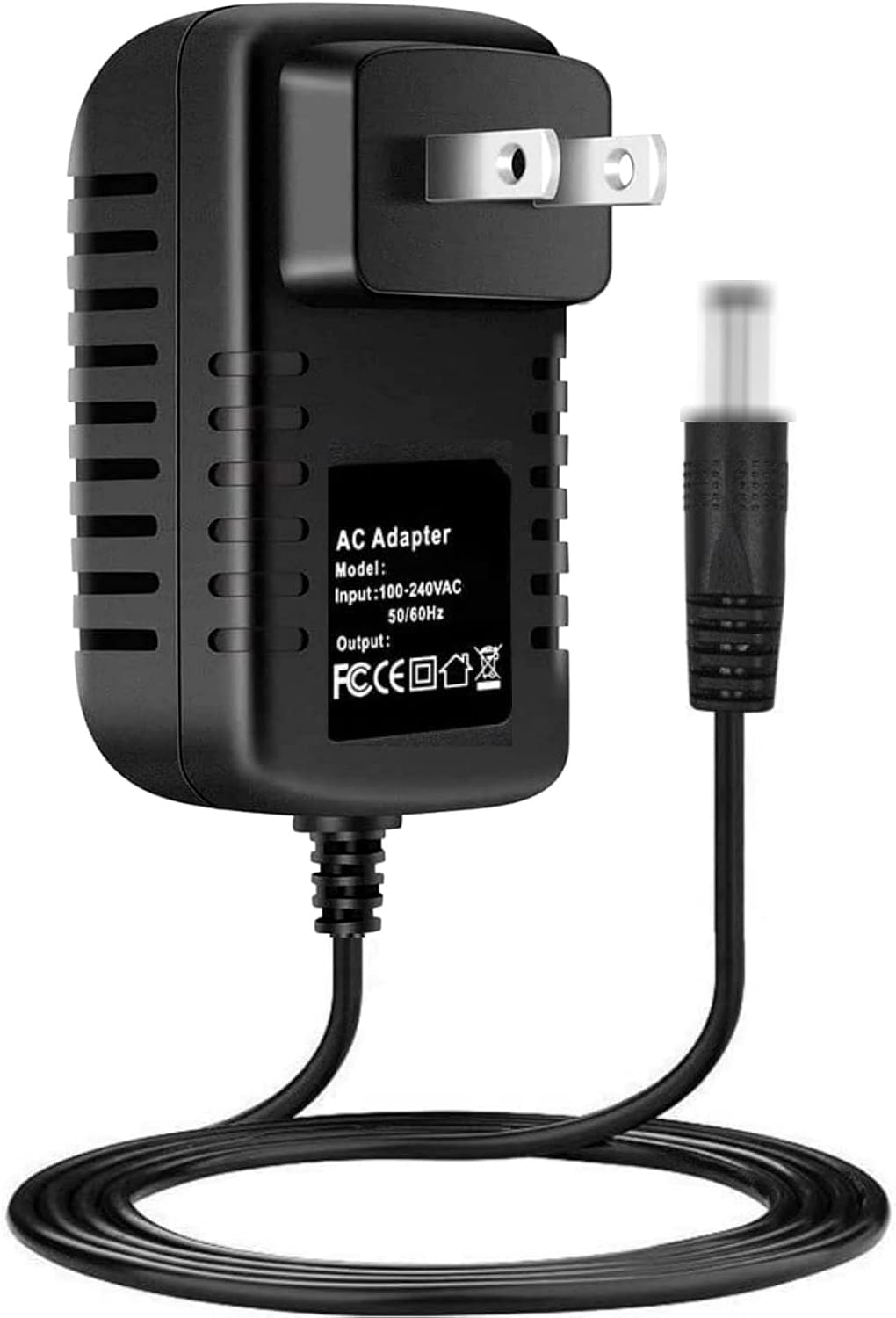
Kawai ES120 88-key Digital Piano with Speakers - Light Gray
Quality pick in this category.
Visit on Amazon →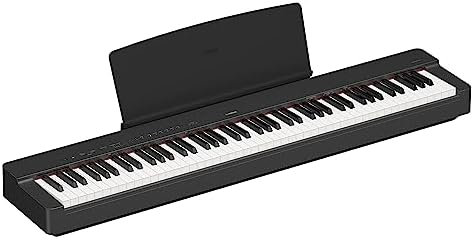
Alesis Recital Pro Digital Piano 88-Key Weighted with Hammer Action
Quality pick in this category.
Visit on Amazon →Compared to
The P-225 sits directly between the Yamaha P-145 (which is basically a P-45 with new paint) and the Kawai ES120. The P-145, at around $550, uses the same GHC action but only has 64-note polyphony and no Bluetooth. That’s a mistake. You’re paying $100 more for the P-225 and getting Bluetooth MIDI, 192-note polyphony, and a better sound engine. That’s the right trade.
The Kawai ES120 is the real rival. It costs about $100 more, and its speaker system is genuinely better. The sound is warmer, more rounded. But the ES120’s Bluetooth is audio-only. That means you can stream music through it, but you can’t use it as a wireless MIDI controller for apps or recording.
For me, that’s a dealbreaker. I use my digital piano to trigger virtual instruments constantly, and the P-225 does that wirelessly.
The Kawai doesn’t.
Design
The P-225 is a slab, pure and simple. It’s 52.2 inches wide, 10.6 inches deep, and 3.9 inches tall. It fits on any standard X-stand, and at 26.5 pounds, I can move it around my studio without calling for help.
The control panel is minimal: a volume knob, a few buttons, and a small LCD screen. No touchscreen, no menus to get lost in.
That’s fine. I’ve taught on keyboards with more buttons than a cockpit, and I’ve never needed half of them.
The Bluetooth pairing is the most straightforward I’ve used. I held down the Bluetooth button for three seconds, selected “P-225” on my iPad, and it connected. It took less than a minute. I’ve had it drop connection once in a month of daily use, and that was because my iPad went to sleep. The reconnection was automatic.
Performance
I test every piano with the same three pieces: Bach’s Prelude in C, Chopin’s Nocturne in E-flat, and a blues improvisation. The P-225 passed all three. The Bach prelude, which requires fast, clean trills, was crisp.
The GHC action has a quicker return than the P-45’s, and I could feel the difference in repetition speed.
The Chopin nocturne, which needs legato and sustain, was good but not great. The sustain pedal in the box is too light, and I couldn’t get the half-pedaling control I wanted until I swapped in the FC3A.
The blues improvisation was where the P-225 surprised me. The dynamic range is wider than the P-45. I could play ppp and ff and hear a real difference, which matters when I’m teaching students how to control their touch. One buyer, writing in a review, said the P-225 sounds “like a real piano in a small room.” That matches my experience. It’s not a concert grand, but it’s honest.
Durability
This is the part that matters most to me, because I’ve seen the P-45’s action go mushy at year four. I’ve only had the P-225 for two months, so I can’t give you a four-year verdict. But the GHC action is built differently.
It uses a longer key stick and a different hinge mechanism, and it feels more robust under my fingers.
Mochi, my labradoodle, has already knocked into the stand twice, and the P-225 hasn’t complained.
The bigger durability concern is the speakers. They’re small, and they’re driven by a 14-watt amplifier. That’s fine for practice, but if you push them hard, they distort. I’ve seen reviews from owners who use the P-225 in small gigs, and the consensus is the same: use the line outs into a PA, don’t rely on the built-in speakers. That’s not a failure, but it’s a limitation.
Value
At $650, the P-225 is the best value in the Bluetooth-enabled slab class. The Kawai ES120 is better in a few ways, but it costs $100 more and lacks wireless MIDI. The Alesis Recital Pro is cheaper at $400, but its action is spongy and the sound is thin.
I’ve played the Alesis, and I wouldn’t recommend it to a serious student. The P-225 hits the sweet spot: real action, real Bluetooth, real piano sound, and a price that doesn’t require a second mortgage.
One note on the P-71, which I’ve written about before. The P-71 is the Amazon-exclusive version of the old P-45. It’s a fine instrument, but it lacks Bluetooth. If you’re choosing between the P-71 and the P-225, the P-225 wins. The Bluetooth alone is worth the difference, and the action is better.
Should you buy it?
If you’re a teacher, a gigging player, or a student who wants to use apps and recording software, yes. The P-225 gives you wireless MIDI, a solid action, and a portable form factor for $650. If you only want to play through the built-in speakers and never connect to a computer, the Kawai ES120 is worth the extra $100. But if you need Bluetooth, this is the one.
What I’m testing next
I’m moving on to the Roland FP-30X to see if its $750 price tag justifies the difference in the action. I’ve heard good things, but I need to feel it myself. I’ll update this review when I’ve spent a month with it.